Course Evaluation and Planning (CEP)
You should now be able to complete the the CEP, which is focused on evaluation and reflection. You can find the link to the CEP here.
Top tips for completing the CEP:
- Do not use Firefox as it isn't compatible with the software.
- When completing the CEP, click the filtered dashboard link at the top to find your course results data. (The first time, you have to request permission.)
- Do not refer to staff or students by name in the CEP as it is published on a Power BI dashboard.
- Have a look at previous CEPs for your course to see what the previous lecturer recorded.
CEPs are a key component in the chain of self-assessment and academic quality compliance.
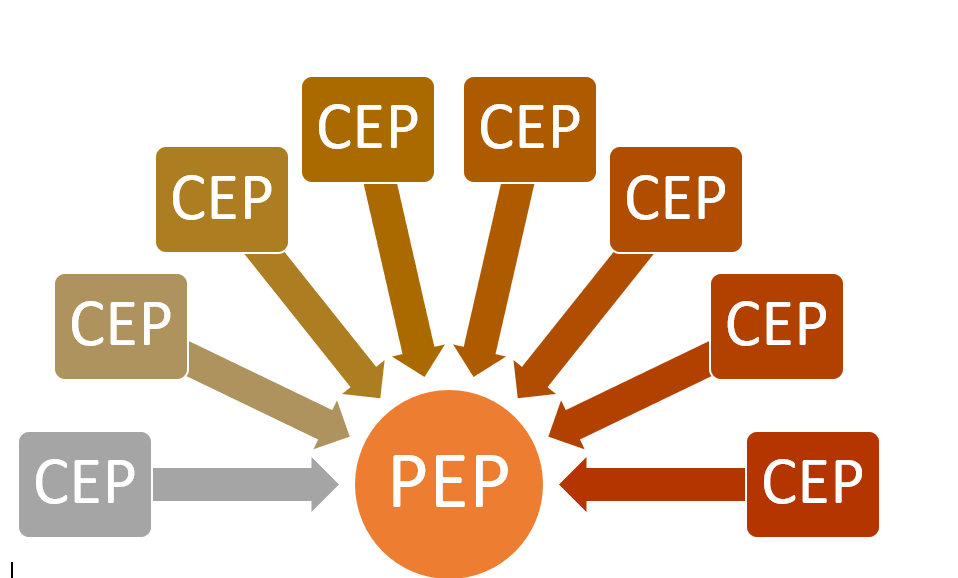
The CEP is a reflection of the course. It should include a comprehensive narrative as it forms the basis of the Programme’s annual report, known as the Programme Evaluation and Planning (PEP). It is used for evidence for the PEP and āta-kōrero.
This diagram shows the relationship between a Programme's PEP and the CEPs, which represent the courses in the Programme.
You may have identified potential changes which would improve the course - record them in the CEP and discuss them with your APM or PC/DL as there may be a change process to follow depending on the type of change proposed.
As the Kaitiaki (guardian) of the knowledge that is taught in your course, the CEP offers a way to:
- record your evaluation
- record your suggestions for improvements
- feed valuable information into the teaching team’s understanding of your course
Note: final statistics for grades are available 24 hours after they have been published in Peoplesoft following grade approval.
